

SSL Protected Cloud Vault
Next-Gen Cloud Storage
Built For Speed & Security
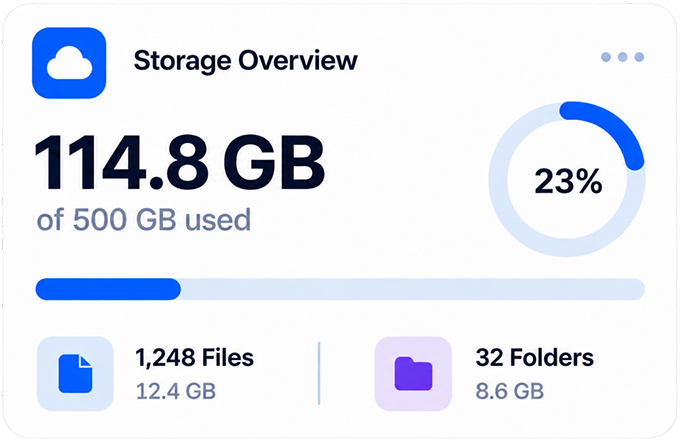
With Storage Locks easily browse and manage your files. With various storage options that may help keep your data organized and accessible as part of your everyday workflow.
Flexible storage options
Flexible payment options
Secure checkout
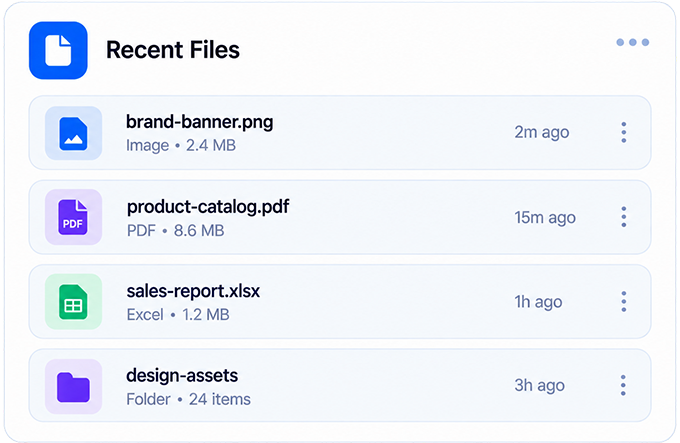
Features
Everything You Need,
Built for Simpler File Management
Simple tools that may help you organize, transfer, search, manage, and protect your files more efficiently.
Smart File Store
Organize and manage files in a structured space that may help keep digital content arranged and easier to locate when needed.
Documents
124 Files
Course Work
48 Files
Startup Projects
86 Files
Research.pdf
PDF
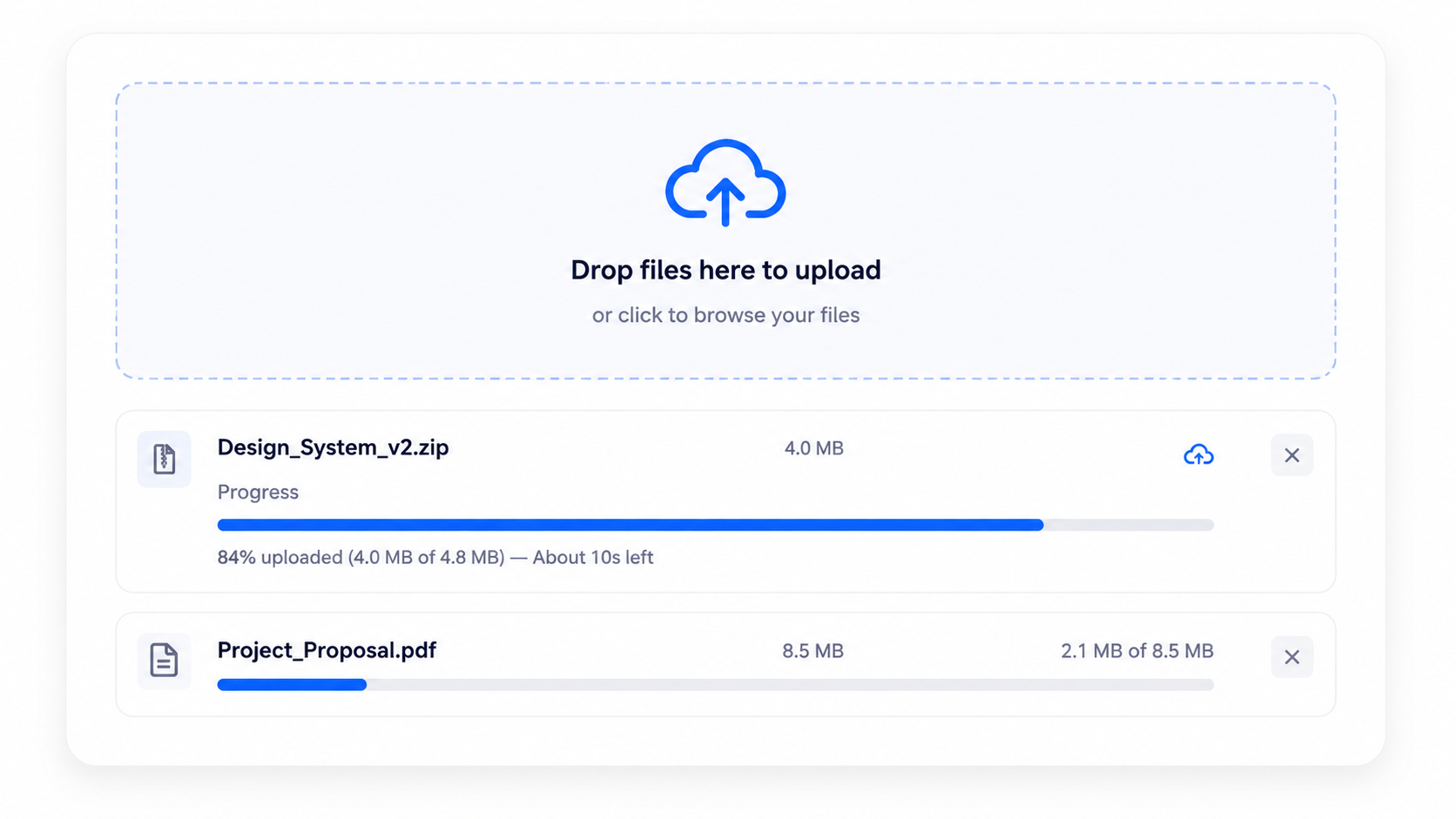
Fast Upload & Download
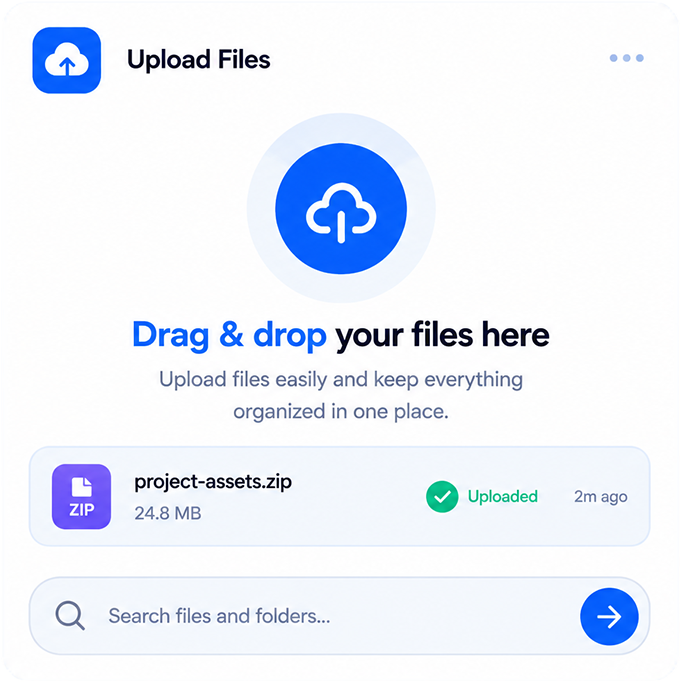
File transfers may be handled with optimized speed, depending on network conditions and file size.
Design_System_v2.zip
12.4 MB/s
148.5 MB / 176 MB
84% Uploaded
✓
Research_Assets.tar.gz
Completed
Global Search
Search functionality may help users locate files across their storage space using keywords, names, or other identifiable file details.
Quarterly_Report
⌘K
Quarterly_Report_2026.pdf
4.8 MB
Quarterly_Financials.xlsx
2.1 MB
HOW IT WORKS
Simple Steps,
Smarter File Storage
Getting started with Storage Locks may involve a few simple steps that might help you organize and manage your files.
STEP 01
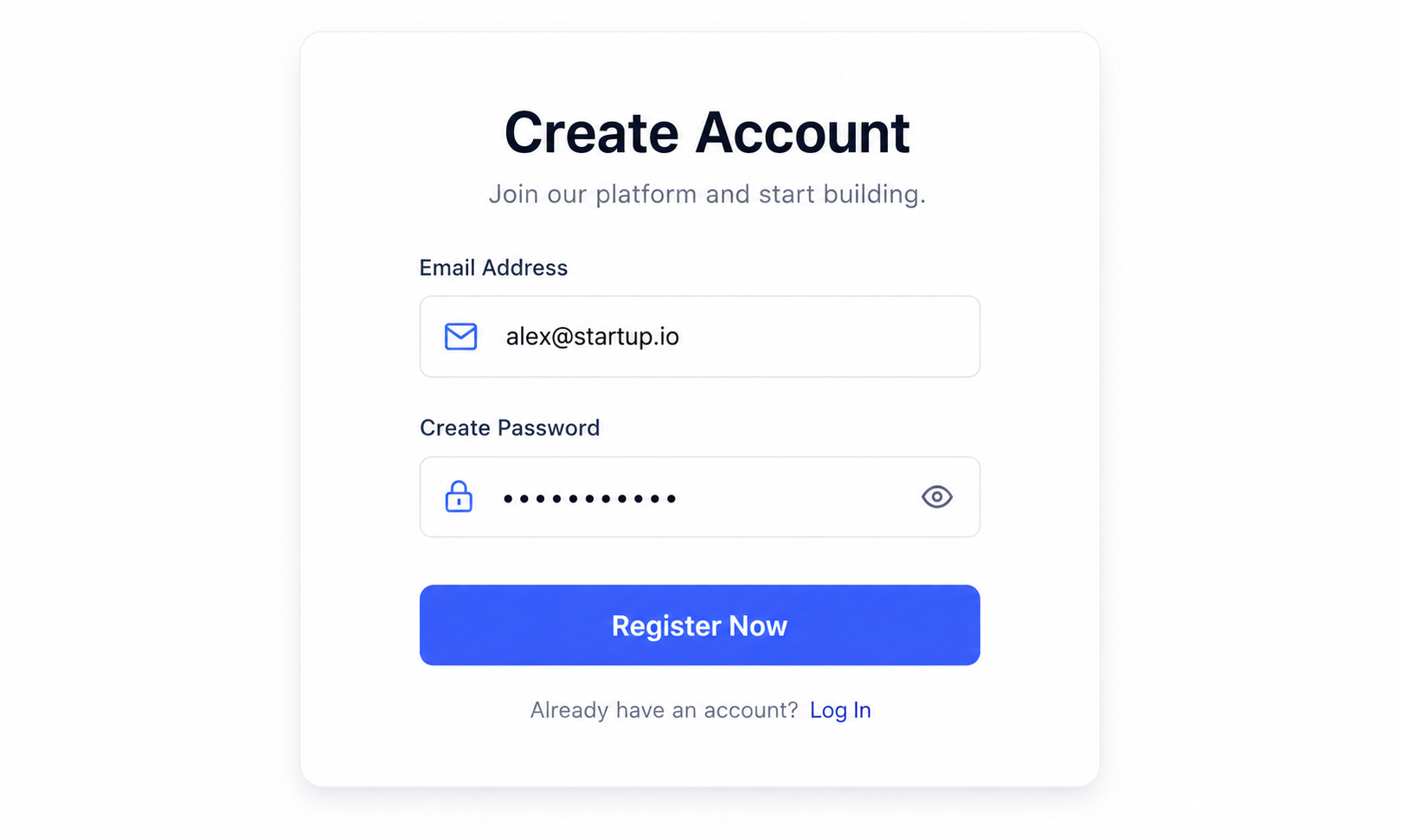
Create an Account
Creating an account may help you get started with Storage Locks and explore available storage options.
STEP 02
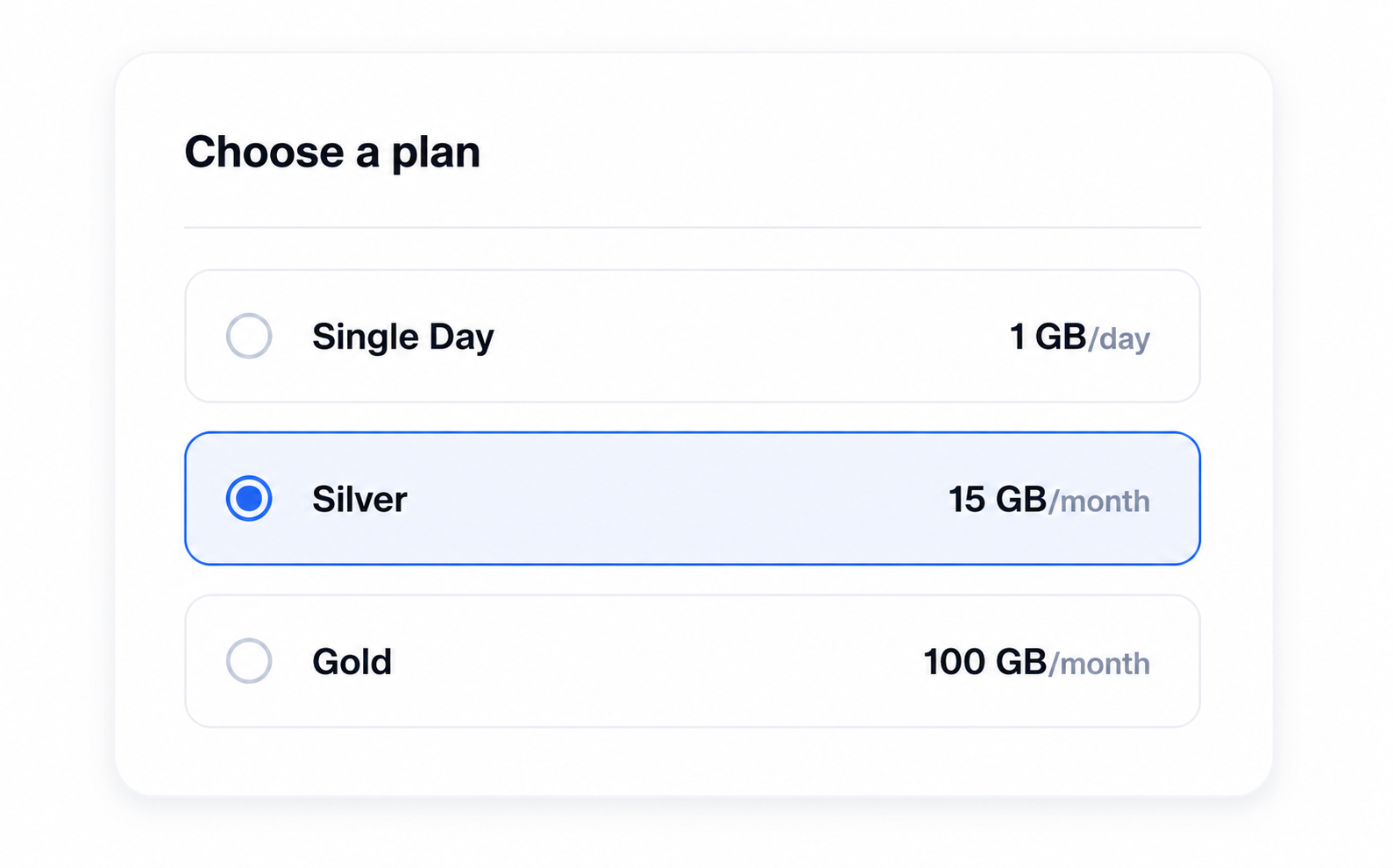
Choose Your Plan
Choosing a storage option may help you find a setup that fits your file management needs.
STEP 03
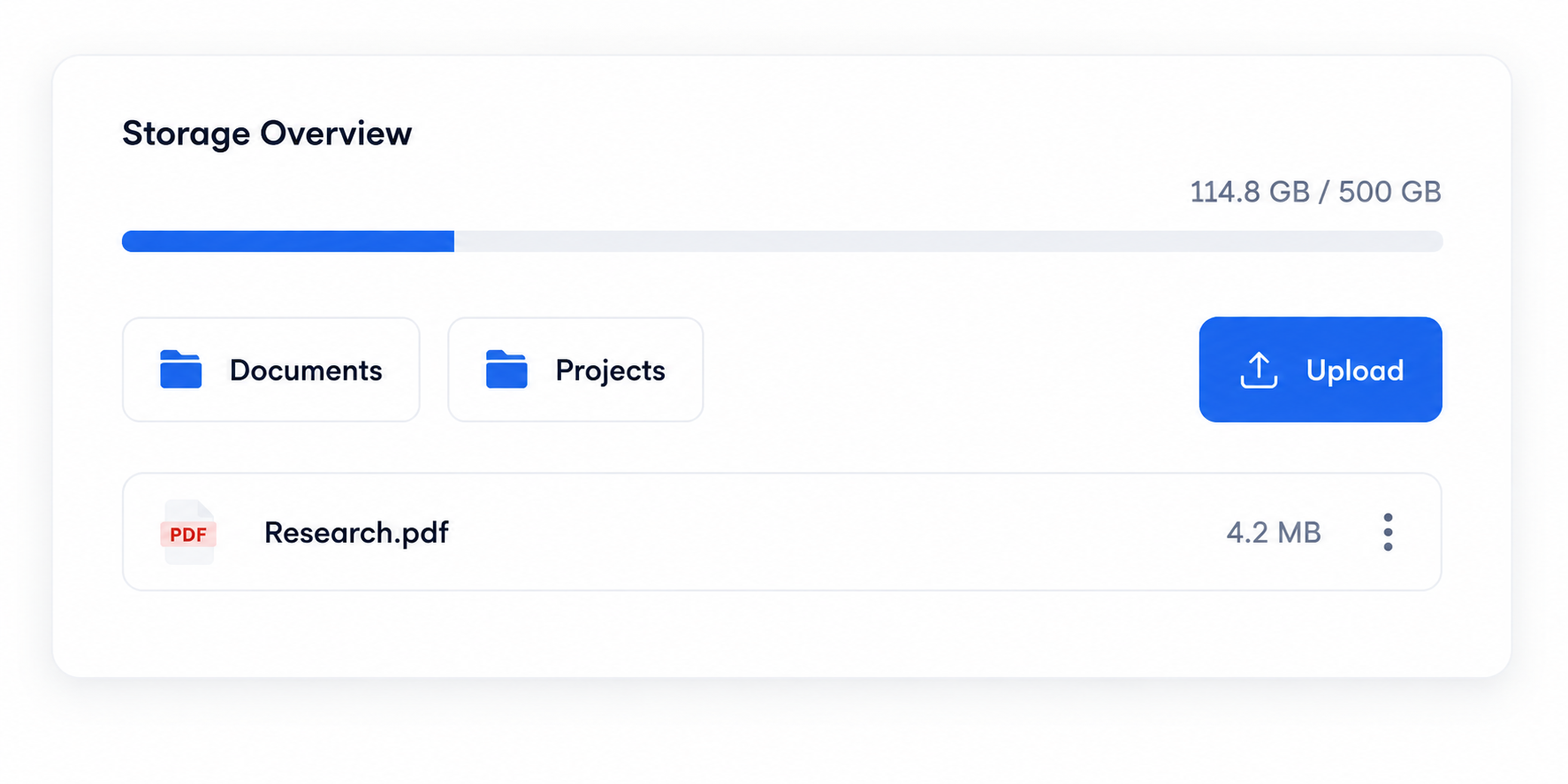
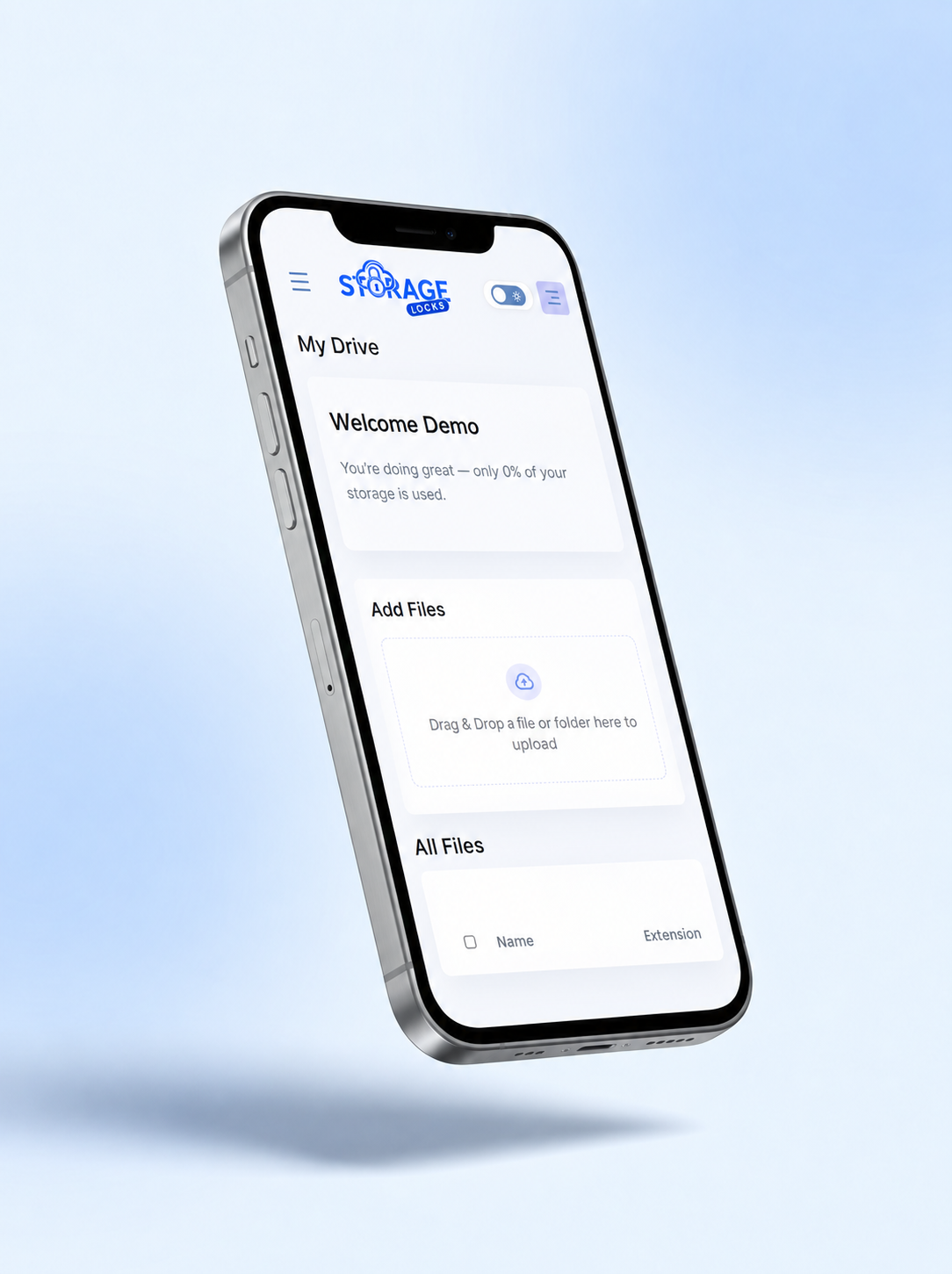
Get Your Dashboard
Your dashboard may provide a central space to view and manage your stored content.
STEP 04
Drop & Upload Files
Uploading files might help you arrange documents and other content into folders for easier access.
WHY Storage Locks
File Management May Be
Simpler With Storage Locks
Storage Locks may provide a simple space that might help you organize, find, and manage your digital files.
Flexible storage choices
Storage options that may fit your changing needs.
Organized file management
Keep files organized and easier to find.
Access from anywhere
Access your files whenever you need them.
Simple file sharing
Share selected files while keeping everything organized.
PRICING
Simple pricing for every purpose
Single Day Pass
May suitable for who want to explore basic features for a limited time.
$2
/ day
- 1 GB storage · 24 hours
- Access to core features for short-term use.
- Quick setup with no long-term commitment.
- Simple plan to explore basic platform use.
VALUE PLAN
Silver
May suitable for individuals just getting started.
$9.99
/ month
- 15 GB storage · Month
- Simple plan suited for basic file needs and everyday use.
- Designed for individuals managing their own files.
- May get convenient access across common daily activities.
Gold
May suitable for power users and small teams who need more.
$29.99
/ month
- 100 GB storage · Month
- More space for growing file collections.
- May suitable for ongoing personal or work-related needs.
- May get more flexibility for larger collaborations.
- May get smoother experience during regular usage.
Platinum
May experience full-featured solution for growing teams.
$34.97
/ month
- 250 GB storage · Month
- Designed for larger file volumes and team use.
- May suit groups managing large files and workflows.
- May experience greater control over file access and distribution.
- May suitable for evolving needs and larger-scale operations.
VIP
High-volume usage may suitable for enterprise teams.
$39.99
/ month
- 500 GB storage · Month
- Designed for high-volume usage and larger storage or operational needs.
- May suit organizations or groups managing shared workflows and resources.
- Structured for smoother usage during frequent or large-scale operations and broader use cases.

Still have questions?
Our dedicated 24/7 support team is here to assist you anytime.
FAQ & SUPPORT
Answers before you ask
Find quick answers to common questions about storage limits, file security, plan upgrades, and data privacy.
Users may store a variety of file types, including documents, images, videos, audio files, archives, and other digital content. Supported file types may vary depending on available features and the selected storage plan.
Storage Locks may provide storage and file management functionality without requiring users to manually open or review their stored content. Features and access may depend on the selected service and permissions.
When available storage becomes limited, users may need to manage existing files or consider a different storage plan depending on their usage needs.
Users may be able to change their storage plan while keeping existing files, depending on the applicable plan terms and account status.
Storage Locks may use security measures designed to help protect stored content and account access. Available security features may vary depending on the platform and selected plan.